Introducing Materio v5
Materio v5 brings a fully rebuilt search engine with smarter rankings, an upgraded AI Mode that searches inside PDFs, and Thinklet, a new AI study assistant with Materio built right in.

Search, Reimagined
Search launched in November 2025 and has been a core part of how people navigate Materio. It worked, but rankings were sometimes off. Queries with abbreviations, garbled text, or subject shorthand often returned vague or mismatched results. In v5, we’ve rebuilt search from the ground up. The core algorithm moves from string similarity matching to a keyword-based ranking model, the same approach used by industry-standard search engines. This means search now handles a much wider range of queries accurately, whether that’s “Machine Learning chapter 2”, “mad qb”, or “DM pyq’s”. Search is now reliable enough to be your primary way to navigate Materio. 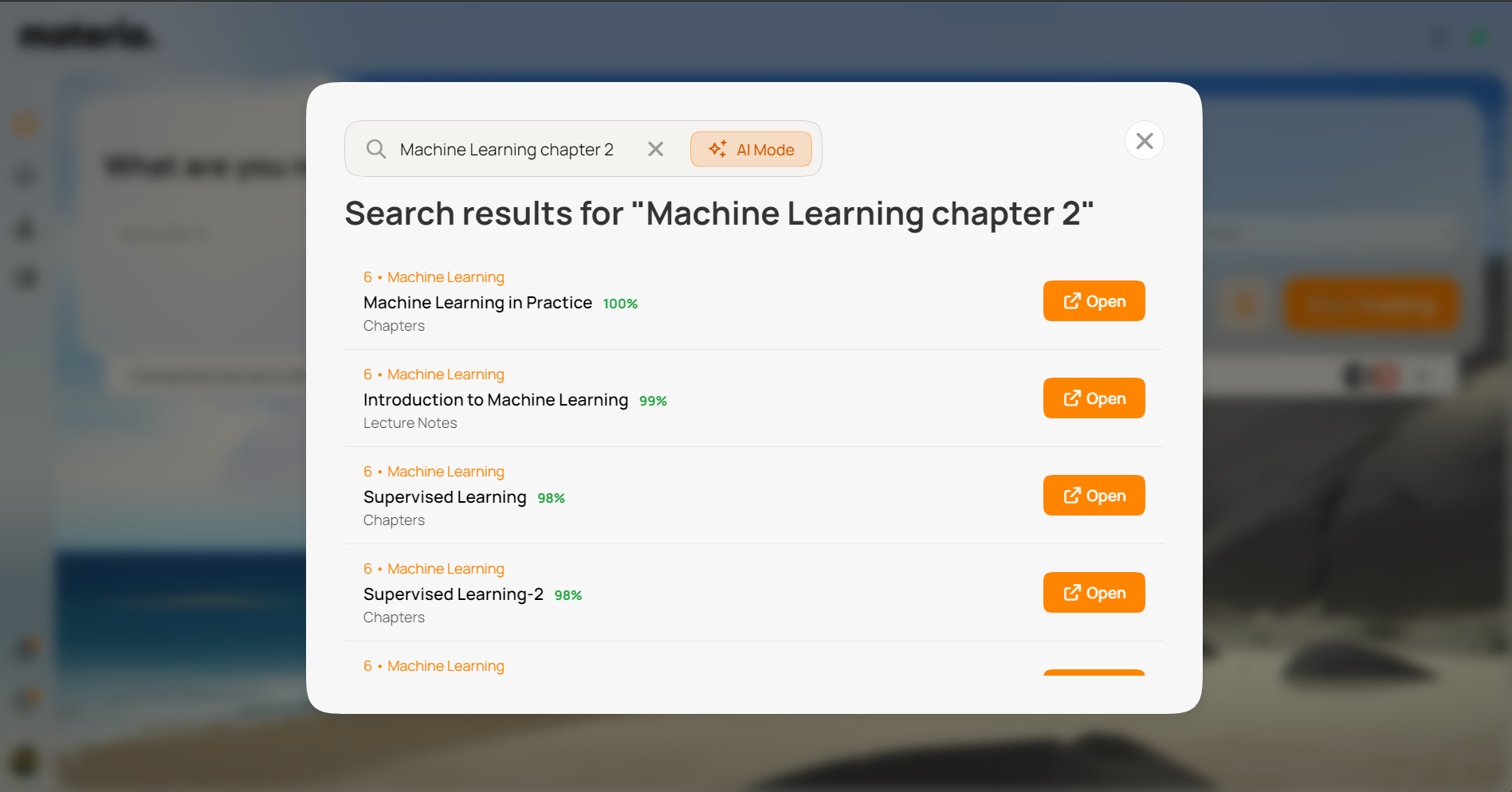
AI Mode
AI Mode has been upgraded too. Previously it ran intent analysis on top of algorithmic results. Now it goes deeper: AI Mode uses Materio’s MCP to search across your entire library, including the content inside PDFs, not just titles. It then builds a ranked index of the best matches and passes them through a re-ranker model before surfacing results. This means you can ask things like “that one PDF with the OSI model diagram” or “which PDF covers Dijkstra’s algorithm” and actually get the right answer. 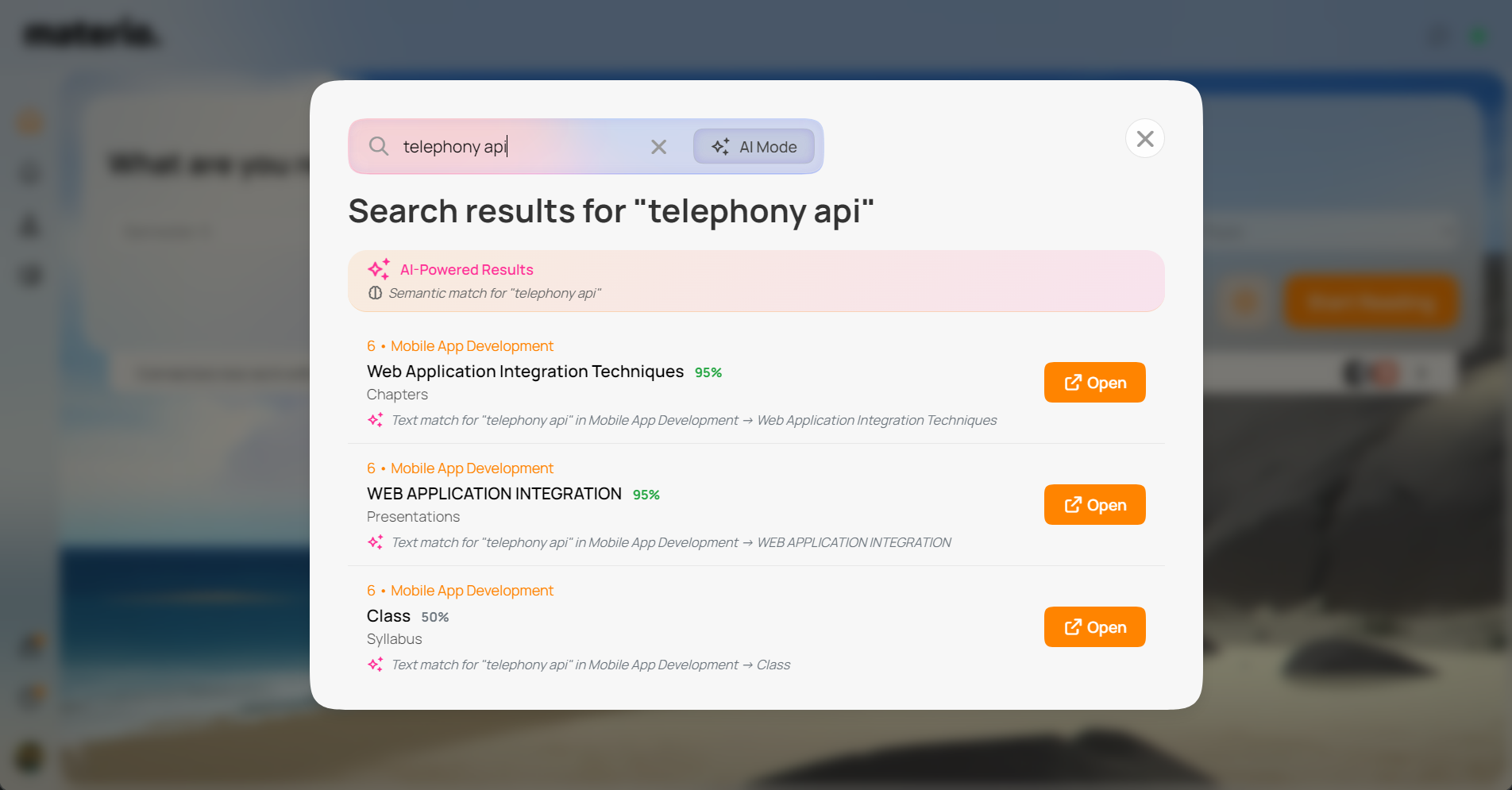
Note: AI Mode may be slightly slower due to API processing and inference latency.
Discovery Mode
You can also ask Materio to suggest something to read. “What should I read today?” or “suggest something random” will return a topic based on your selected semester. Good for when you don’t know where to start. 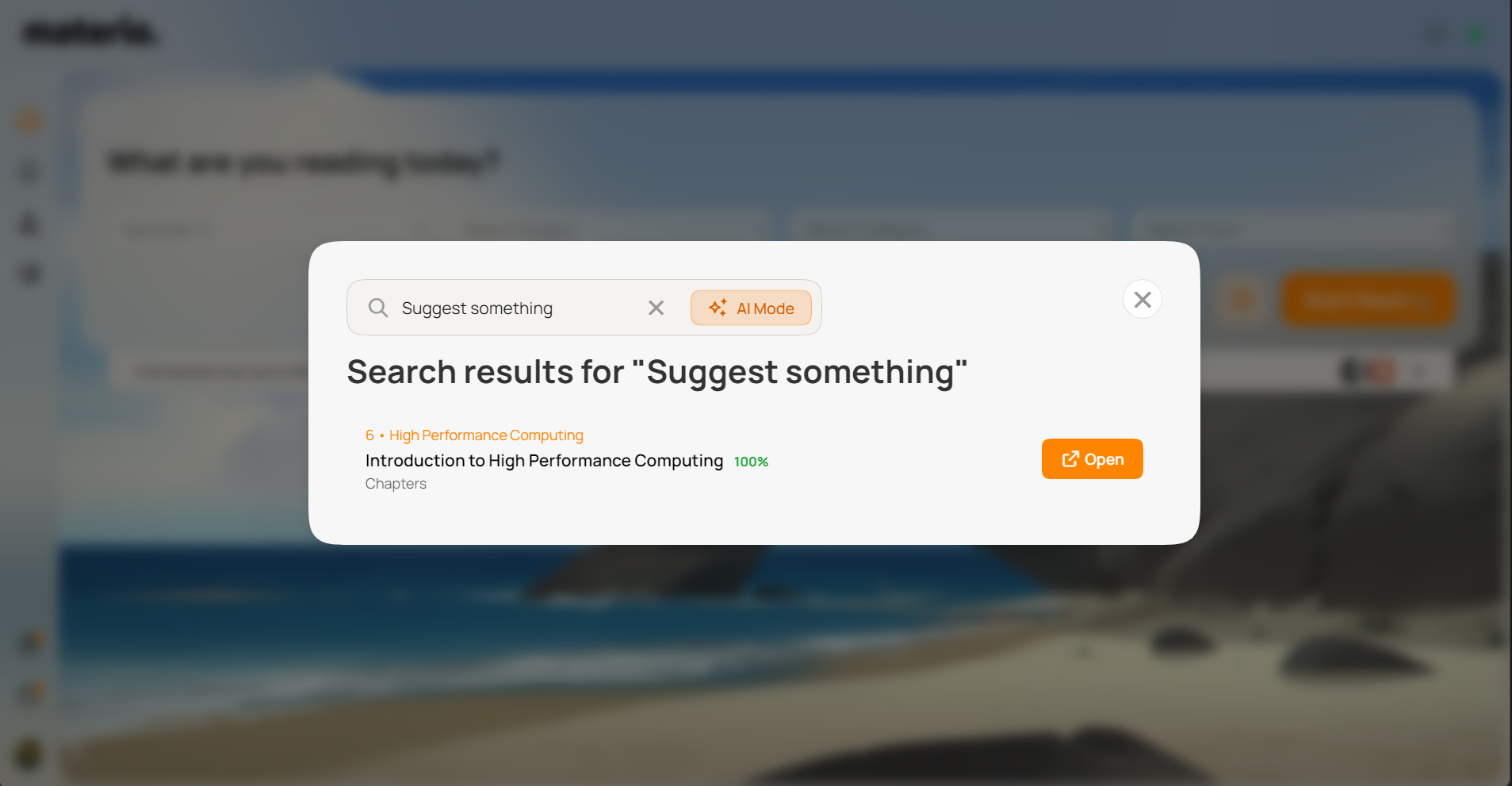
Thinklet
Alongside Materio v5, we’re launching Thinklet: an AI chatbot built specifically for studying, with Materio MCP as a first-party integration. Because Thinklet is built around Materio’s MCP rather than bolted on, it follows tool rules more reliably and executes searches with better accuracy than third-party integrations. 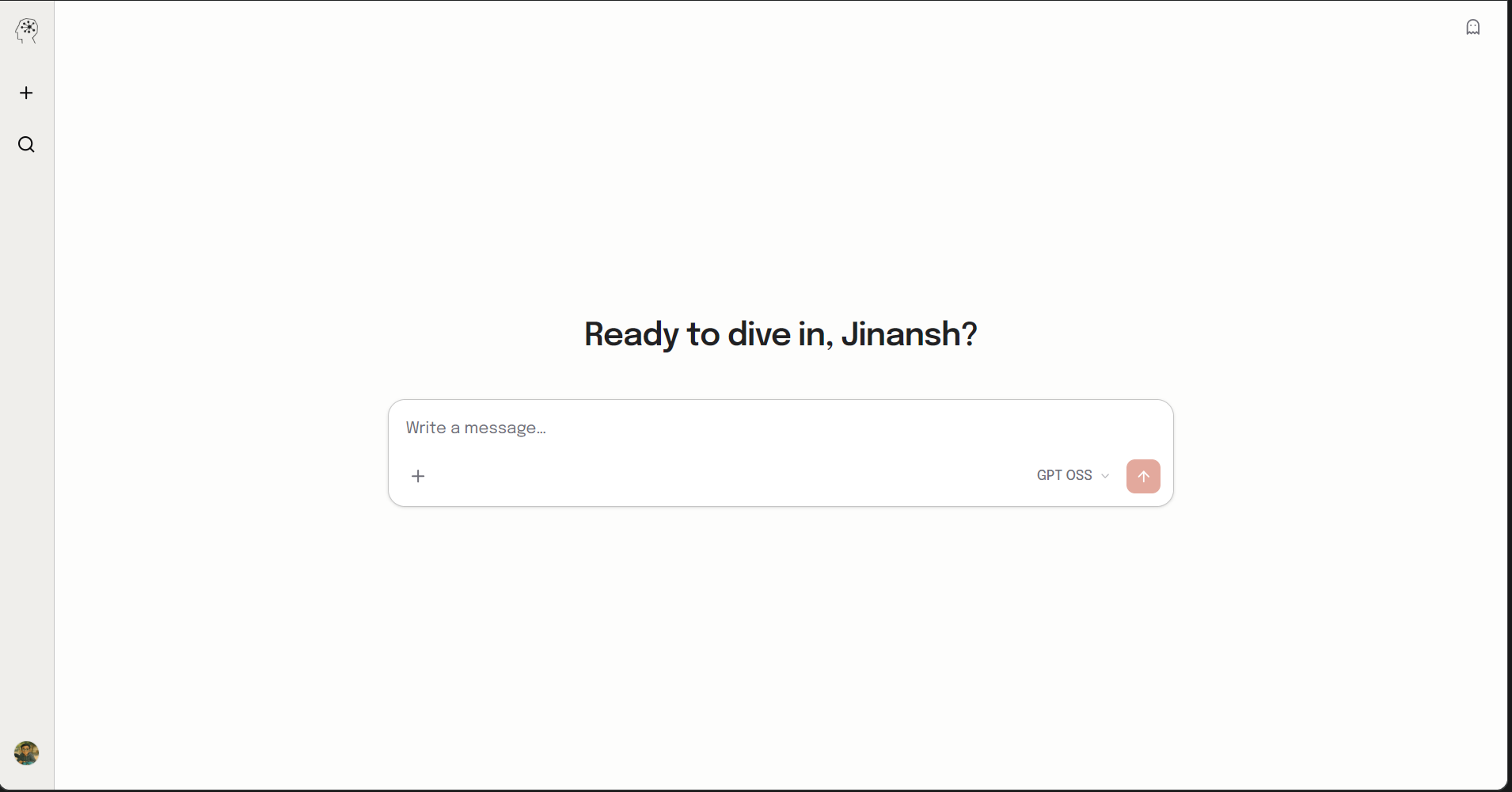 Flexible AI providers. Thinklet lets you pick your own AI provider: OpenRouter, Google, OpenAI, Anthropic, DeepSeek, Qwen, and more. The default is OpenRouter with a curated set of models included. When you hit rate limits, you can bring your own API key (BYOK). Context and memory. Thinklet retains conversation context, stores memory, and saves your chats to your account. Log in with your existing Materio credentials.
What Thinklet can do:
- Search the web
- Execute JavaScript
- Create and render web artifacts (HTML and React)
- Generate diagrams: flowcharts, FSMs, circuit diagrams, Gantt charts, 3D visualizations, plots, and more
- Upload images and files, including PDFs, and have Thinklet read and reason over them
- Generate worksheets, question banks, and sample papers from your study material
- Chat management. Your chats are saved to your account. You can share them publicly, generate private links, or use Incognito mode if you’d rather not save anything.
All Thinklet features are free for a limited time. 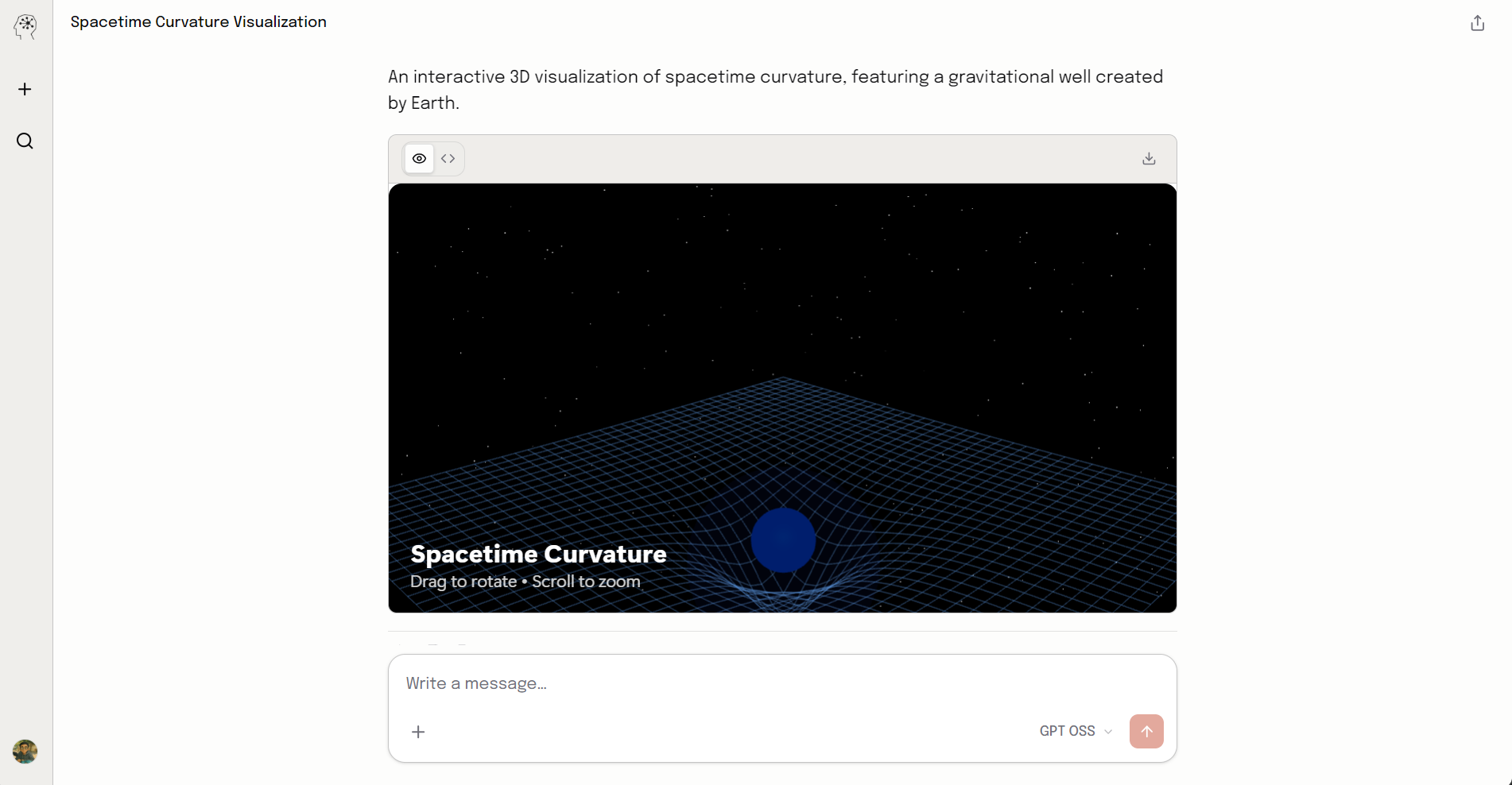
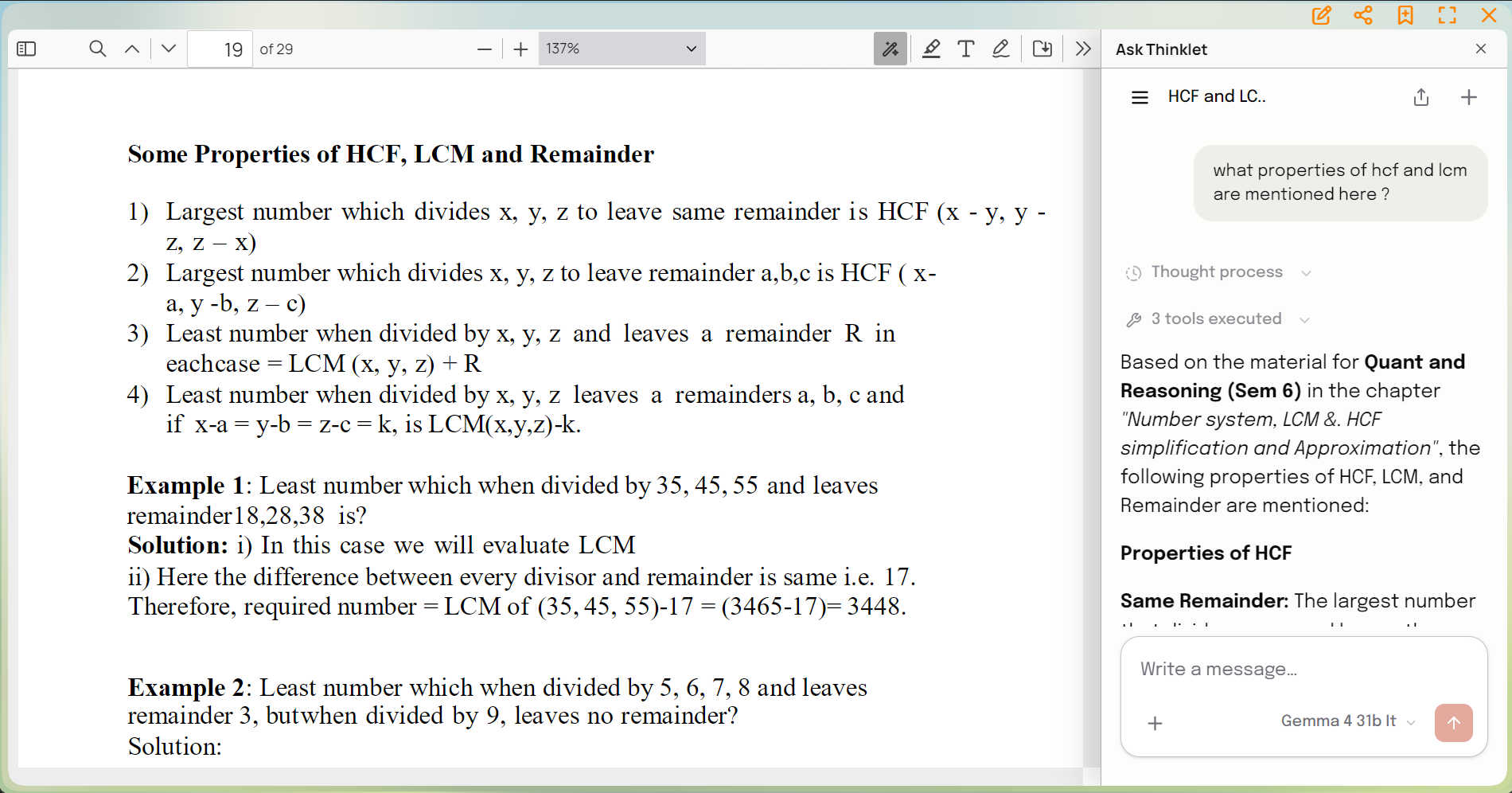
Thinklet in the PDF Viewer
The PDF viewer now has a native Thinklet integration. Click the icon in the top bar to open a side panel with Thinklet alongside your PDF. Or select any text in the PDF and tap “Ask AI” to send it directly to Thinklet for a quick explanation or doubt resolution.